
Use case · Semi-Professional Football Supporters Club
City Football Supporters Match Day Network
See who checks in where on match day: at the ground, at a partner pub, or anywhere else.
The scenario and its numbers are an example. The campaign types are real.
- Club type
- Semi-Professional Football Supporters Club
- Campaign type
- Event Check-in
- Recommended plan
- City · up to 10,000 fans
- Reading time
- 4 min
01 · The problem
Your supporters are spread across the city on match day. The club only counts the ones who come through the gate.
A semi-professional club with a few thousand supporters knows some are at the ground and some are in the pubs where supporters gather on match day. It has a gate count for the first group and nothing for the second.
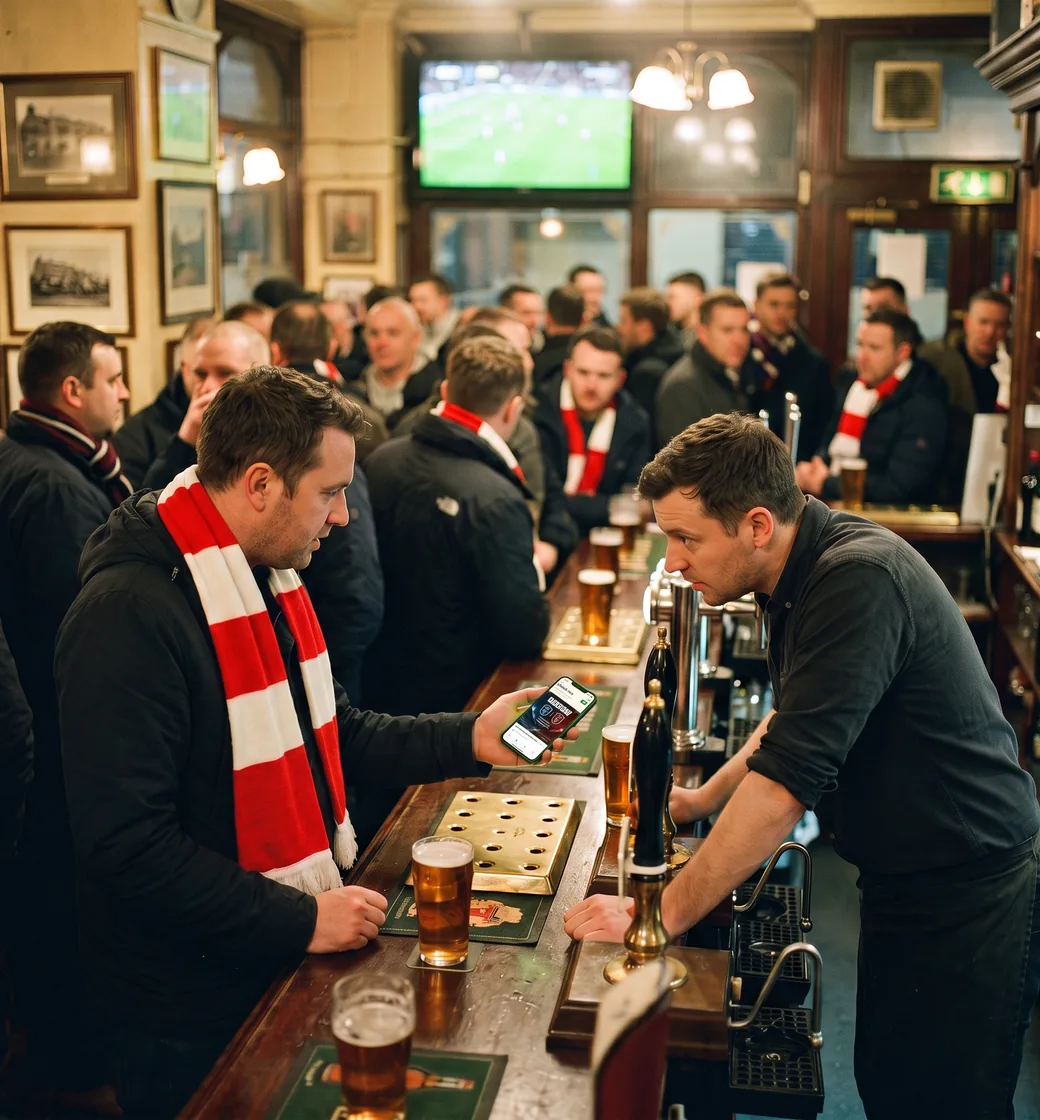
A Game Set Engage check-in campaign counts both. Supporters check in at the ground from the app, at a partner pub with the staff confirming, or from anywhere else. Each campaign shows its check-ins by place.
02 · How it works
One campaign per match. Three places to check in.
Ground
Location-verified in the app
A supporter at the ground checks in from the app, once per match. You set what that is worth.
Pub
Staff confirm at a partner
A pub you have approved as a partner joins your check-in campaigns. A supporter there opens a QR in the app and the staff confirm it. You set a fee per confirmed check-in on each campaign.
Count
Check-ins by place
Each campaign shows check-ins at the ground, at partner venues and from anywhere else. Your venue list shows how many fans each partner brought in.
03 · Example scenario
Harrowgate Town FC
4,200 supporters following the club in the app, 22 home fixtures, five partner pubs, on the City plan.
- Supporters following the club
- 4,200
- Supporters who checked in at least once
- 1,860
- Confirmed check-ins at partner pubs
- 3,900
- The club's share of $1,950 in fees
- $1,560
-
Pre-season
Five pubs partner
Five pubs across the city sign up as businesses and ask to partner. The club approves each one, and each pub adds its own deal for supporters who check in.
-
Each match
One campaign, three values
Every home fixture is an event with a check-in campaign: 100 points at the ground, 60 at a partner pub, 20 from anywhere else. The club sets a $0.50 fee per confirmed check-in at a partner.
-
Mid-season
1,860 supporters have checked in
The campaign pages show the split by place for every match. The venue list shows The Supporters' Arms has brought in 420 fans, more than any other partner.
-
Season end
$1,950 in fees
The pubs have confirmed 3,900 check-ins. The club's share is $1,560 after the 20% commission on the City plan, paid out as the pubs settle their monthly invoices.
04 · Why it works
The pub crowd counts as much as the gate.
-
See check-ins by place for every match: at the ground, at partner venues, from anywhere else.
-
Earn the fee you set for each check-in a partner's staff confirm.
-
Your dashboard ranks your top ten fans by points, whatever place they check in from.
-
Bring a sponsor numbers from your own supporters, match by match.
Built for the City plan
Set up check-ins for your next home fixture. The City plan covers up to 10,000 fans, and you can start free on Local.
05 · Questions
Before you talk to the pubs.
How does a pub become a partner?
The pub signs up as a business and asks to partner with your club. Someone on the club's team approves it. After that the pub can join any of your match-day check-in campaigns itself and add its own deal, such as money off the bill for supporters who check in.
What does a supporter do at the pub?
They open the campaign in the Game Set Engage app while they are at the pub, within about 100 metres, and the app shows a QR. A member of the pub's staff confirms it in the Venues app. The supporter earns the points you set for a partner venue.
Who sets the fee, and what does the club keep?
The club sets the fee on each check-in campaign. A pub owes it once per supporter per day for check-ins its staff confirm. Game Set Engage invoices the pub monthly and keeps a 20% commission on the City plan. The club's share is the other 80%.
More City plan examples
Same plan, different clubs.
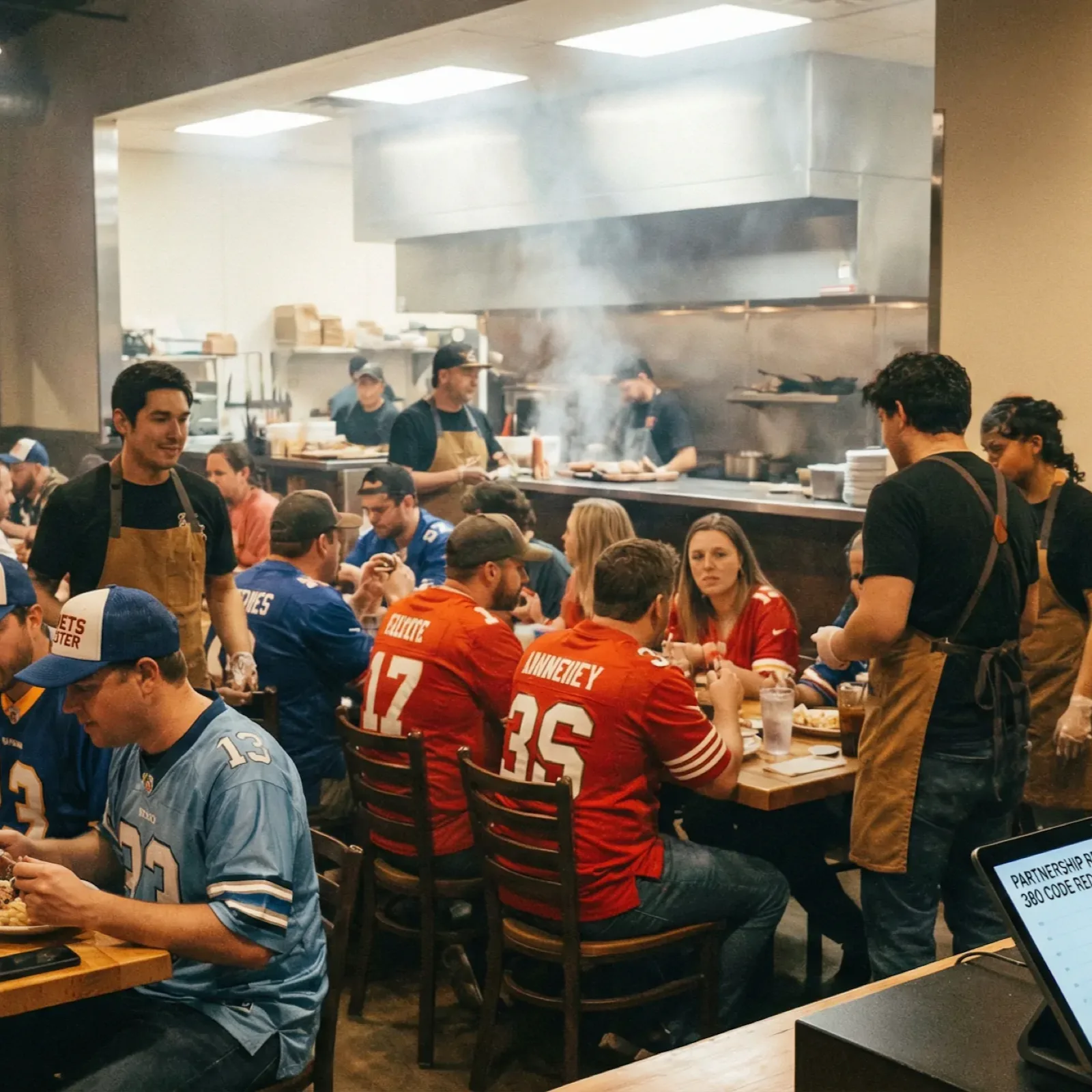
Special Deal Code
College Football Game Day Exclusive Deals
One code per booster, and a list of who claimed each one.
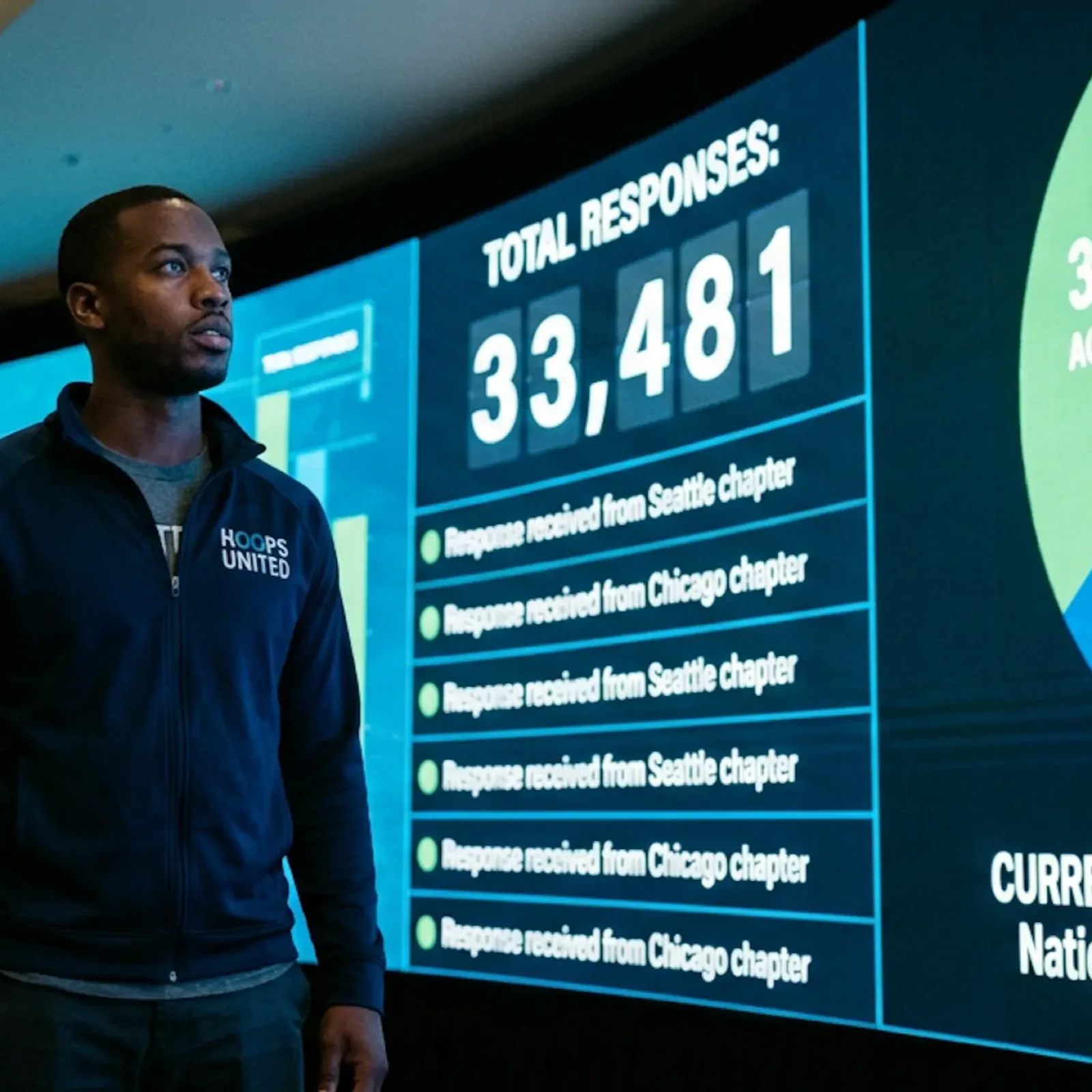
Survey
City Basketball Fan Experience Survey
Ask your fans three questions about game night, and see every answer by name.
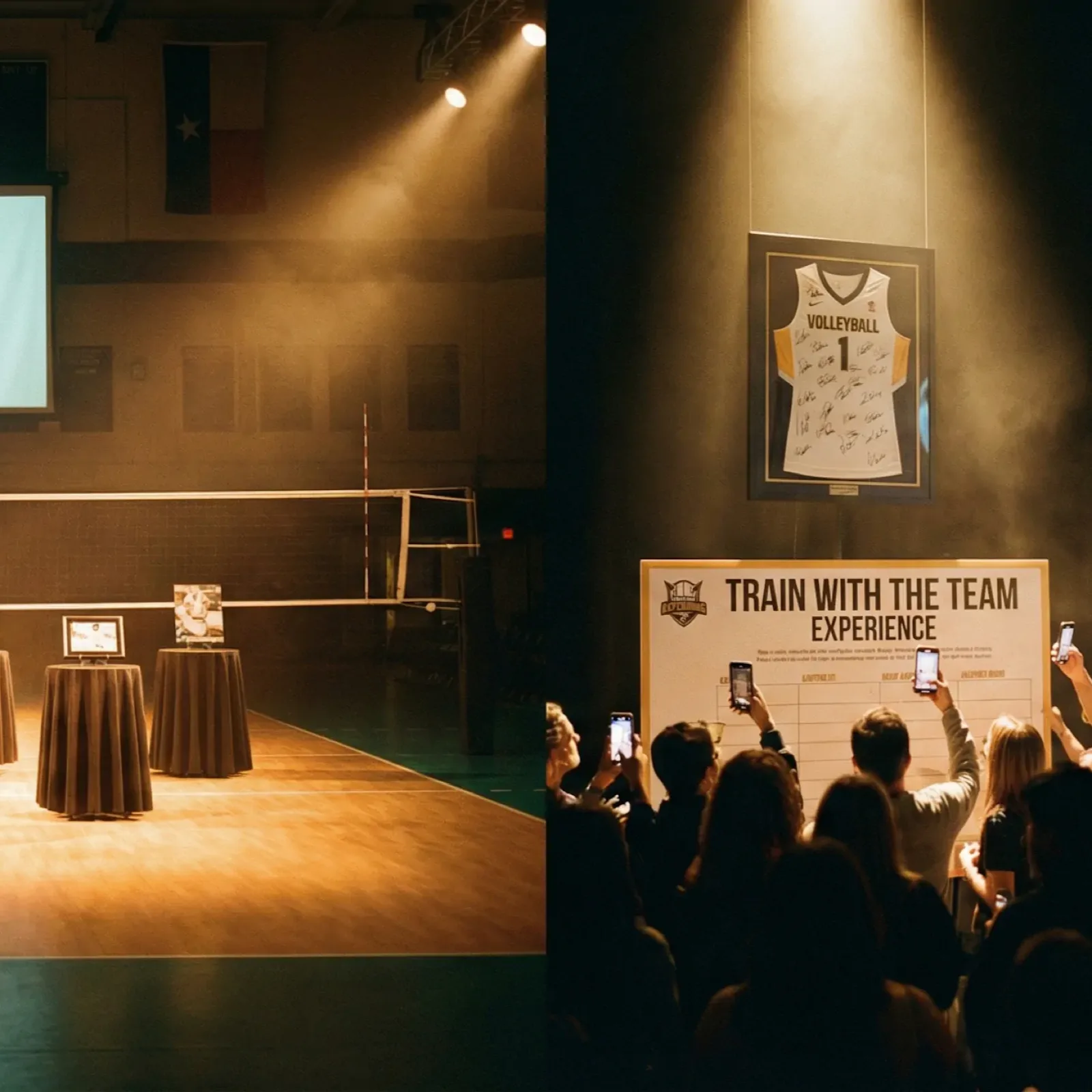
Auction
Women's Volleyball Season Highlight Auction
Fans spend their season's points on signed kit, a day with the team and courtside seats.

Event Check-in
College Student Section Leaderboard
Attendance you can rank, name, and put in front of your sponsors.
Your first campaign takes 5 minutes.
Set up a campaign like this one. Free to start, no credit card.