Welcome to Game Set Engage
Game Set Engage is a fan engagement platform for sports clubs of every size. Whether you run a weekend amateur team or a national organisation, you get the same core tools to reach your supporters and turn match days into revenue.
This guide takes you from a blank account to your first live campaign. Set aside about 30 minutes and work through it in order.
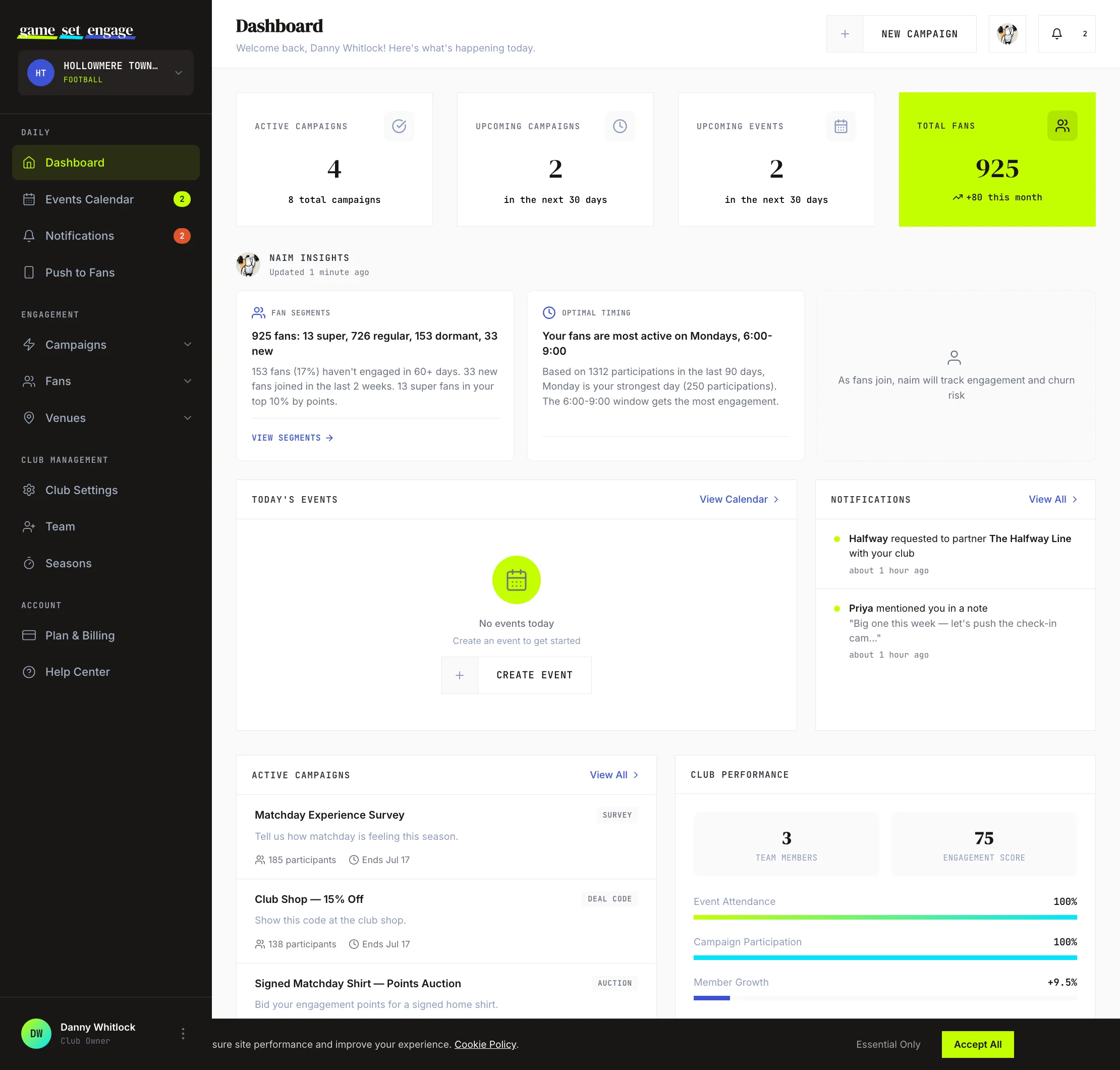
Step 1: Create your club account
Head to the club sign-up page and start with your email address. We send a verification link so we know it's really you.
- Enter your email on the "For Clubs" sign-up screen
- Open the verification email and click the link
- Set your name and password, then accept the Terms of Service and Privacy Policy
- You're signed in and ready to build your club
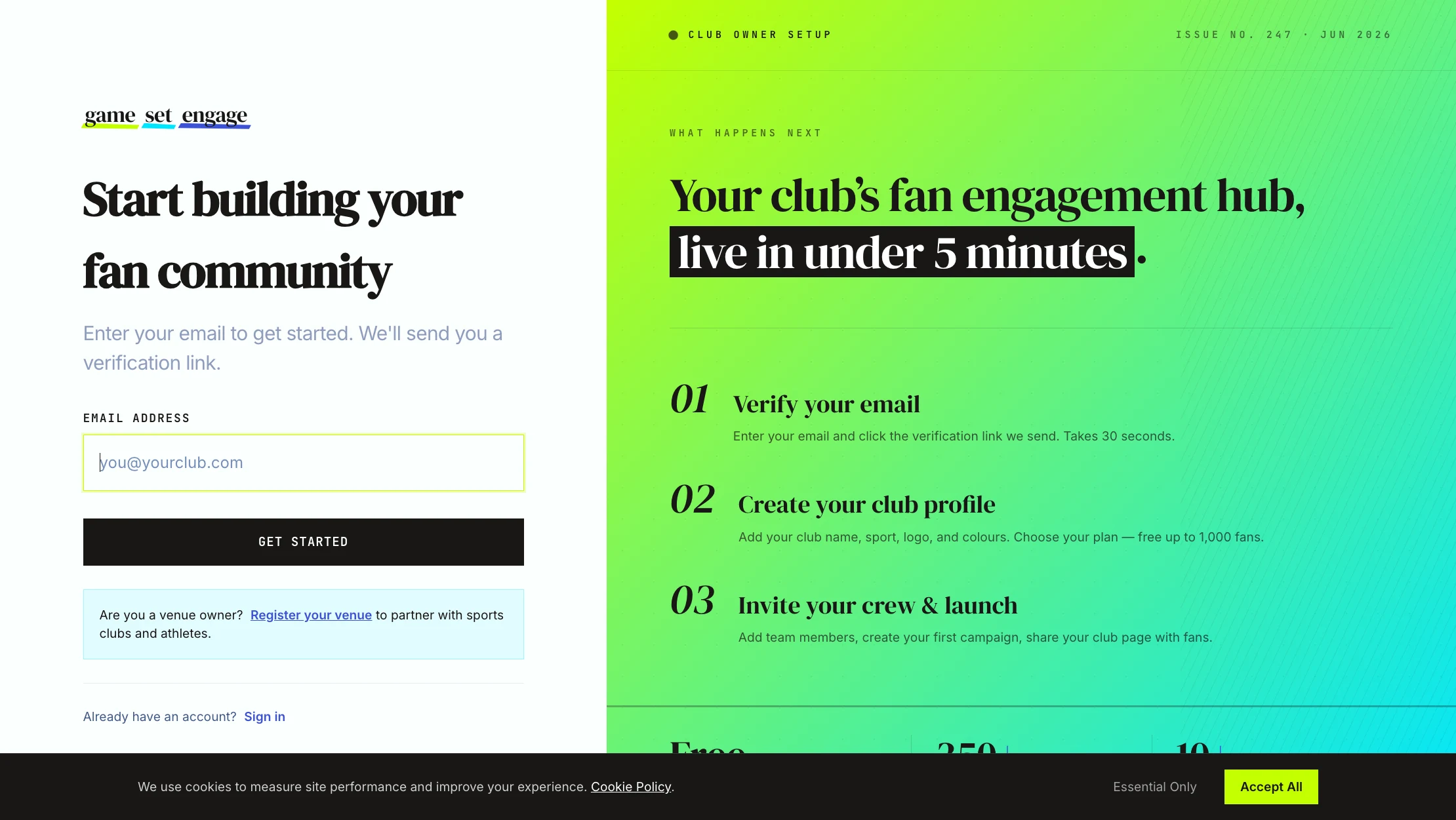
Step 2: Set up your club
Next, tell us about your club. This is the identity fans see when they find you in the mobile app.
- Club name — what your supporters call you
- Sport — pick the sport you play
- Home ground — your stadium or pitch name
- Google Maps link — paste it and we fill in your city and country automatically
You can add your club logo on this screen too. A square image of 400×400px or larger works best. Fans can't find your club in the app until it has a logo, so add it here or later from Club Settings.
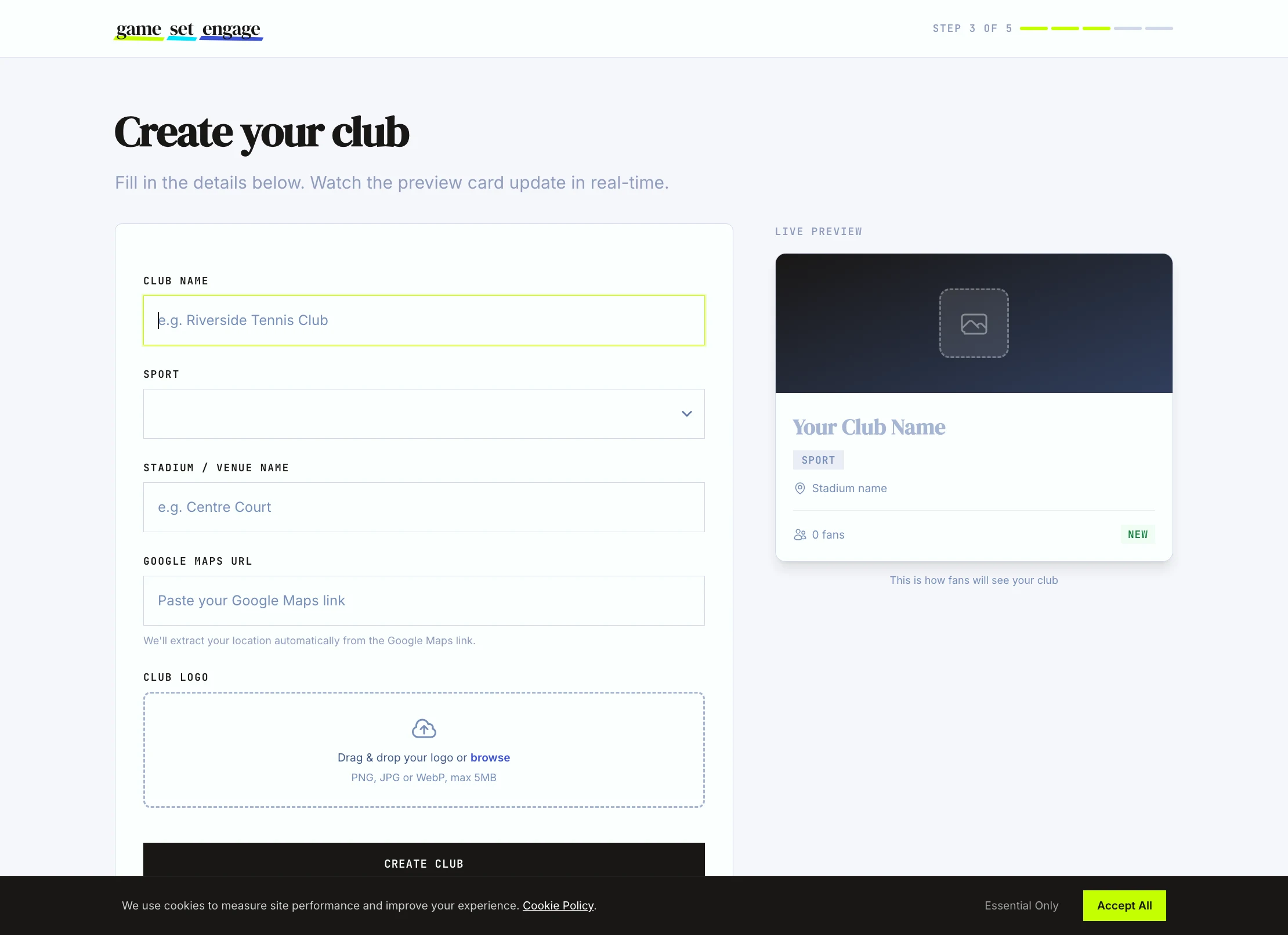
Step 3: Choose your plan
Pick the plan that matches the size of your fanbase. You can start free and upgrade whenever you grow.
| Plan | Fans included | Price |
|---|---|---|
| Local | Up to 1,000 | Free |
| City | Up to 10,000 | $199/mo |
| National | Up to 100,000 | $1,999/mo |
| Global | Up to 1,000,000 | $19,900/mo |
Not sure yet? Start on Local. It's free, and upgrading later takes a couple of clicks. You can compare every plan on the pricing page.
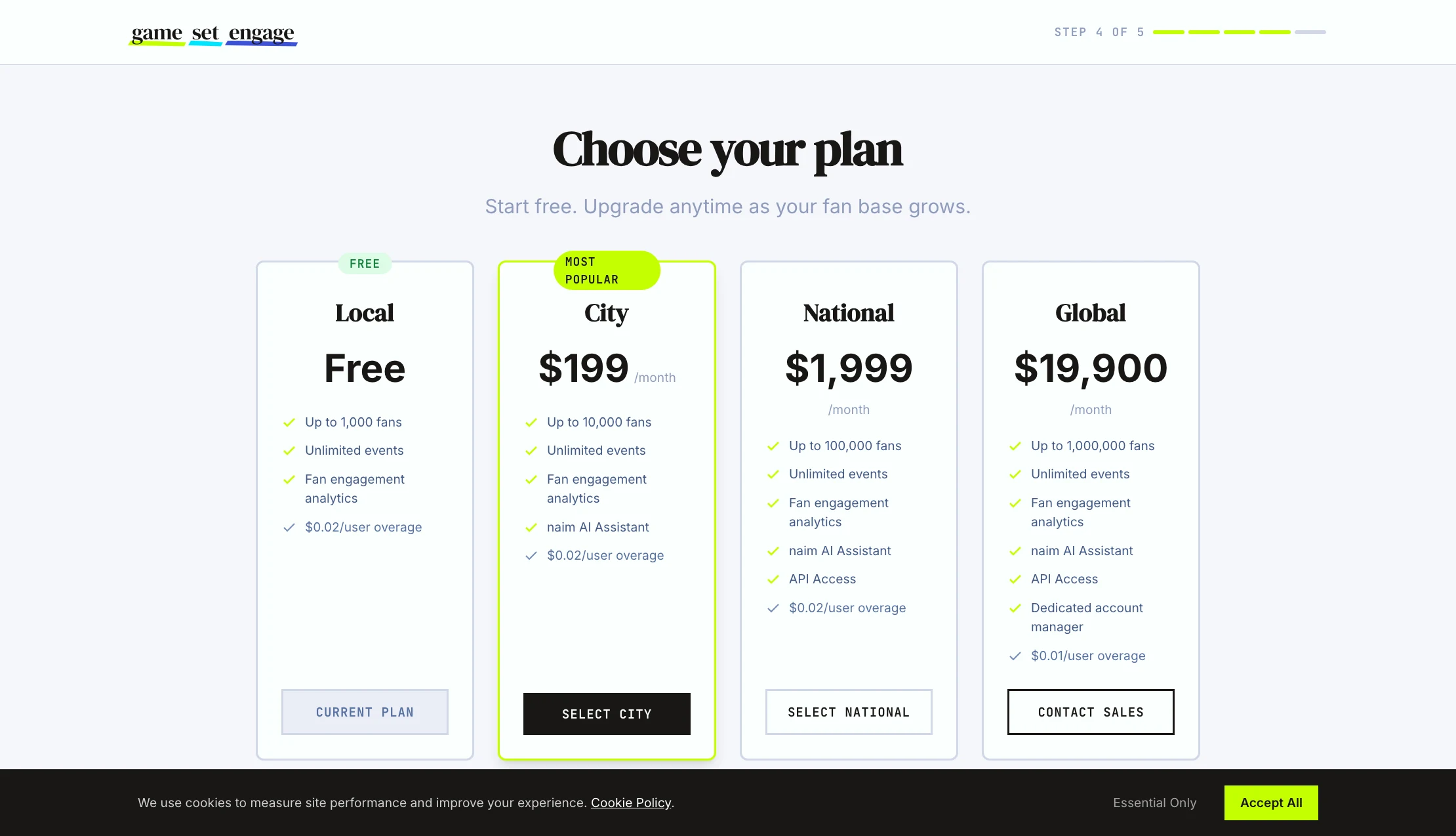
Step 4: Add your photo
The last screen asks for a profile photo so your team recognises you. It's your personal photo, separate from the club logo, and you can skip it.
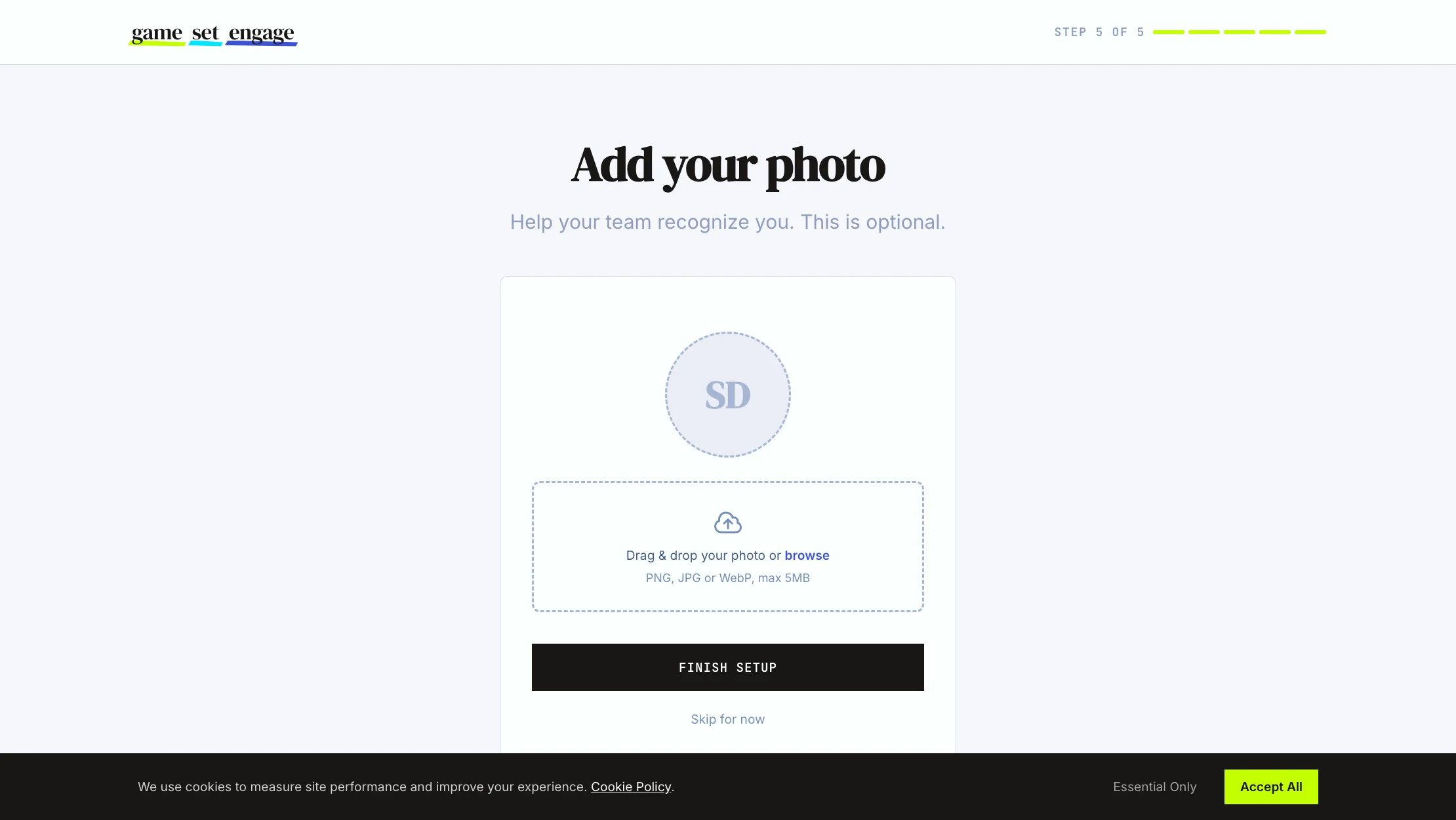
That's onboarding done. On the free Local plan you land on your dashboard. If you picked a paid plan, checkout comes first. On the dashboard, a Getting started checklist walks you through the rest: your logo if you skipped it, a first event, a first published campaign and bringing your first fans in. Fans can find your club in the app once it has a logo and a published campaign.
Step 5: Invite your crew
You don't have to run everything alone. Invite team members so they can help manage events and campaigns.
Go to Club Management → Team, send an invite by email, and your crew member gets their own login. For a full walkthrough, see the Inviting and managing your team guide.
Step 6: Launch your first campaign
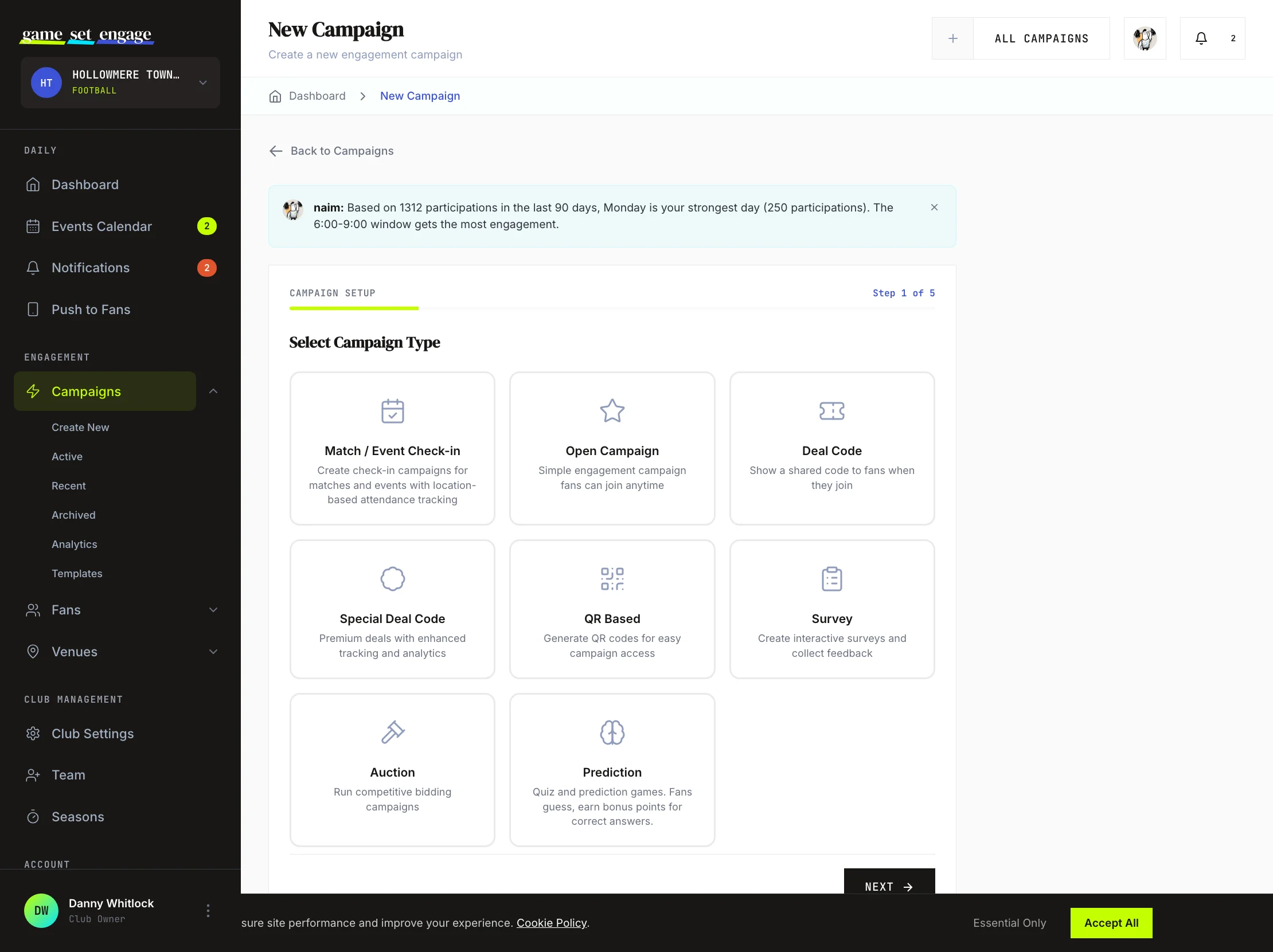
Campaigns are how you engage fans and reward loyalty. Open Campaigns → Create New and the builder walks you through it step by step.
Here's a quick look at the campaign types you can run:
- Event Check-In — fans check in on match day and earn points based on where they watch: 5× at the stadium, 3× at a partner venue, 1× at home
- Deal Code — share an exclusive discount code with your fans
- QR-Based — place QR codes around your venue for fans to scan
- Survey — collect feedback and reward fans for answering
- Prediction — fans predict match outcomes and earn points for getting them right
- Auction — fans bid their engagement points on experiences and memorabilia
Tip: Event Check-In is the most popular first campaign. It's simple to set up and gives you attendance data from day one.
For the full builder walkthrough, read Creating your first campaign. To compare every type, see Campaign types explained.
Step 7: Watch your results
Once a campaign is live, your dashboard and the campaign analytics screens show you what's happening:
- Total engagement — how many fans are taking part
- Campaign performance — which campaigns pull the most interest
- Fan growth — how your supporter base is building over time
- Check-in locations — where fans are watching
Use what you learn to do more of what works. The Campaign analytics and reports guide shows you how to read every number.
What's next?
You're up and running. From here, pick the guide that matches what you want to do next:
- Your dashboard tour — find your way around every screen
- Creating your first campaign — the full builder, step by step
- Building your venue partner network — add pubs and bars as check-in locations
- Understanding your fans — get to know who's turning up
Stuck on anything? The Help Center link in your dashboard is always one click away.